Features
Moyasar's WooCommerce plugin comes with powerful features to enhance the checkout experience.
Instant Checkout (Quick Buy)
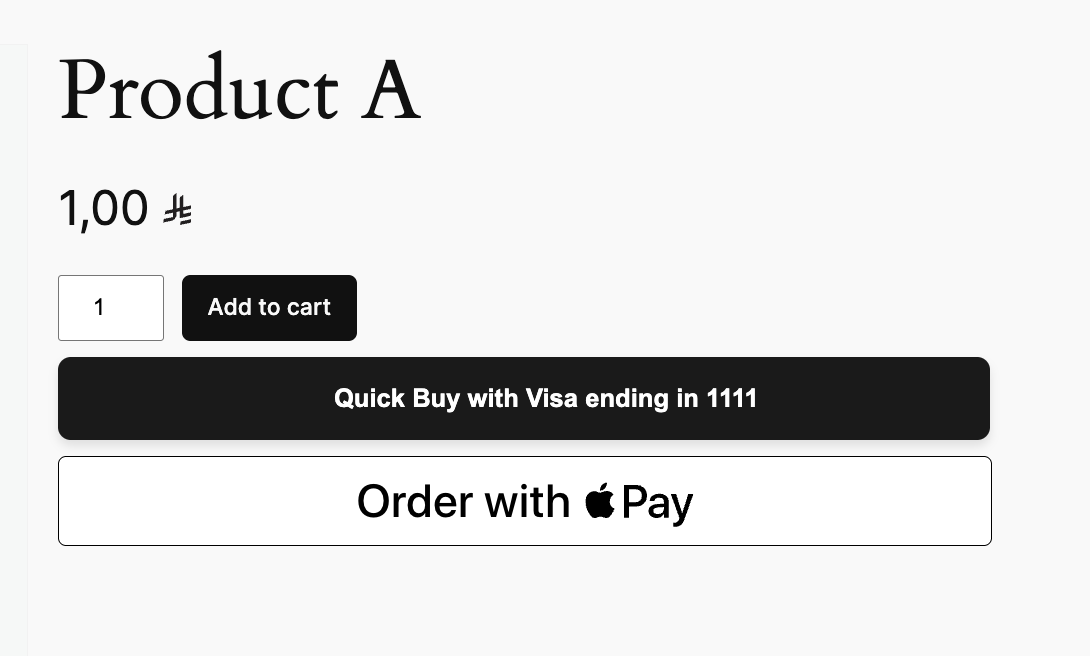
Instant Checkout allows customers to purchase a product directly from the product page or cart without navigating through the entire checkout process. It leverages saved payment methods and digital wallets for a faster, frictionless experience.
Supported Methods
- Credit Card (using saved cards)
- Apple Pay
How it Works
When enabled, buttons like "Buy with Credit Card" or "Buy with Apple Pay" appear on supported product pages. Clicking the button initiates the payment immediately using a saved card or the digital wallet.
Configuration
To enable Instant Checkout:
- Go to WooCommerce -> Settings -> Payments.
- Click Manage next to Moyasar.
- Scroll down to the Instant Checkout section.
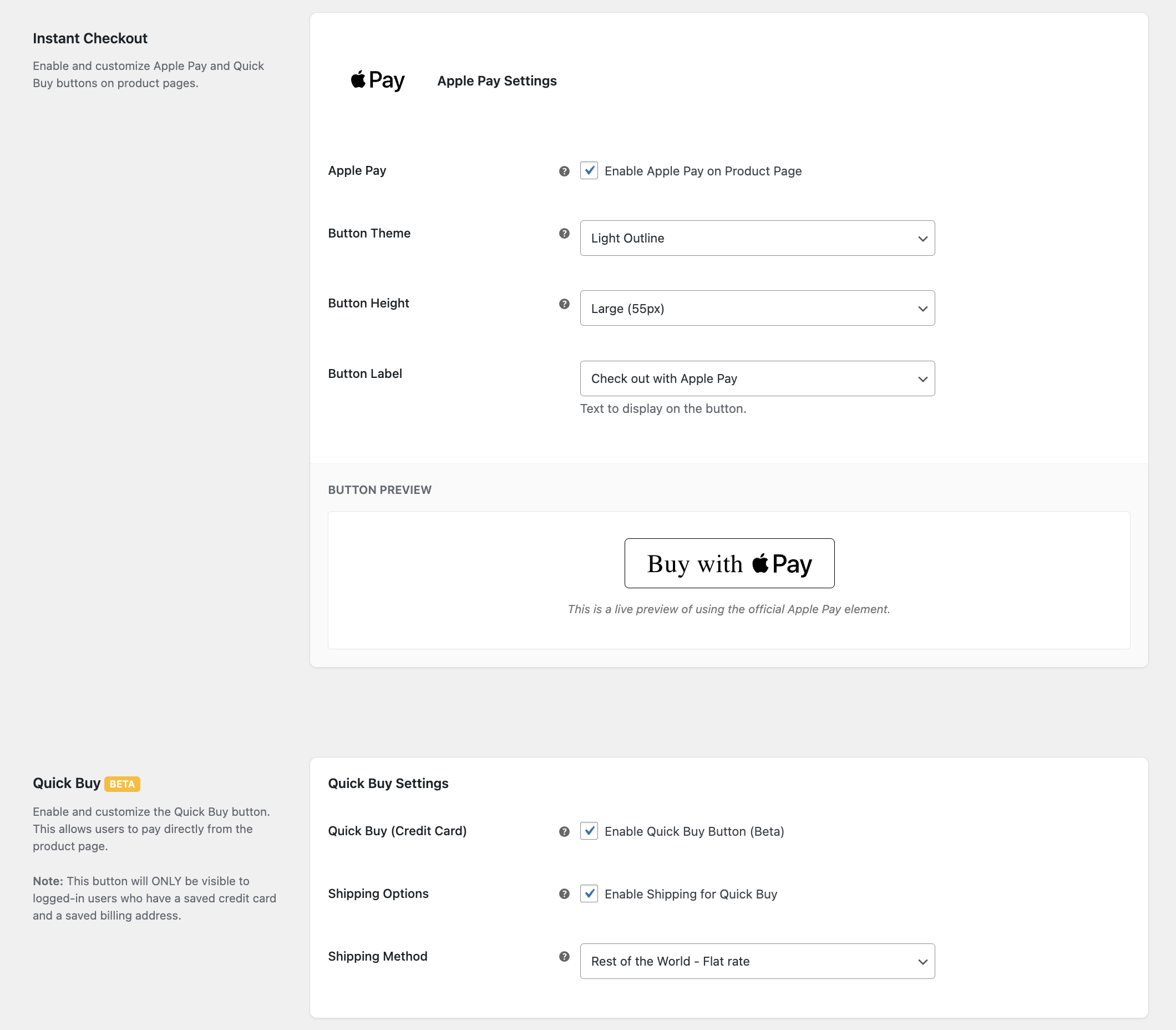
- Enable the Instant Checkout option.
- Button Styling:
- Theme: Light, Dark, or Light Outline.
- Height: Adjust the button height (Small, Medium, Large).
- Label: Choose the call to action (e.g., "Buy with Apple Pay", "Donate", "Book").
- Shipping Options:
- Enable Shipping for Quick Buy to automatically apply a shipping method.
- Select the default Shipping Method for instant orders.
- Click Save changes.
Supported Pages
- Product Page: Allows customers to buy a single product instantly.
Tokenization (Save Cards)
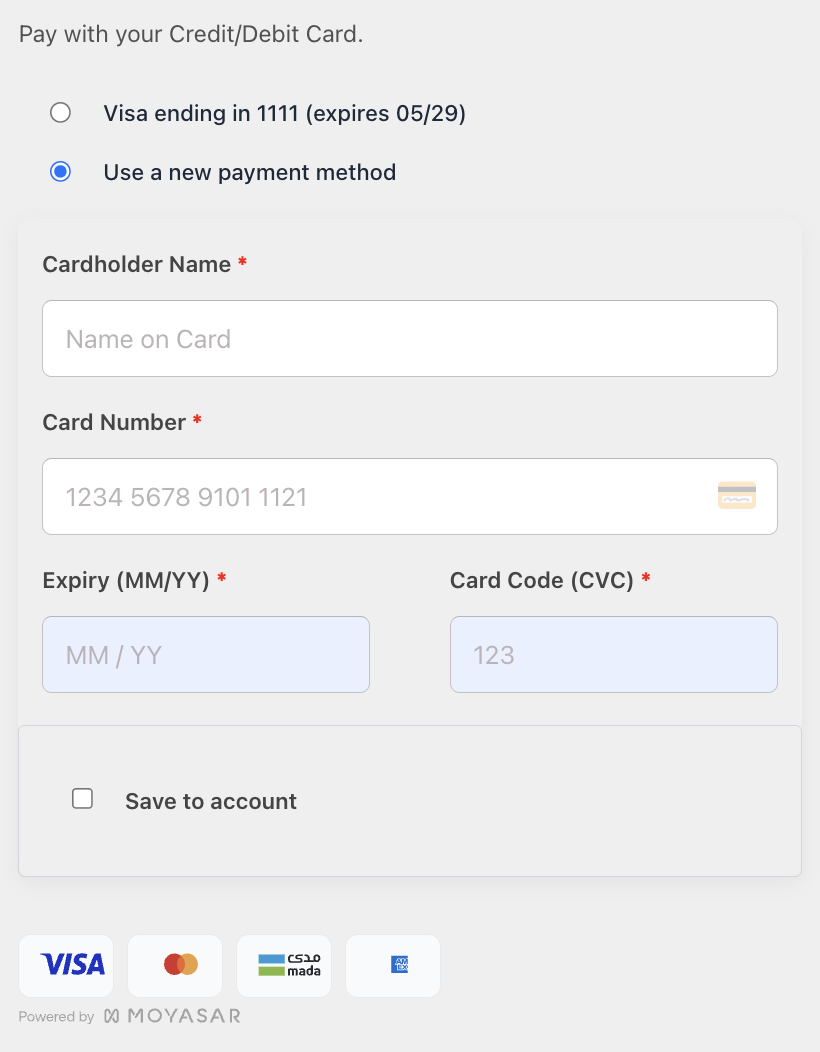
Allow your customers to save their credit card details securely for future purchases. This feature improves conversion rates by reducing checkout friction for returning customers.
How it Works
- On the checkout page, a "Save this card for future use" checkbox appears.
- Card details are securely tokenized and stored by Moyasar (not on your server).
- Returning customers can simply select their saved card to pay.