Configure Webhooks
This guide will go through how to setup and manage webhooks on your Moyasar account.
Getting Started
- Go to https://dashboard.moyasar.com/
- Log in to your account.
- Click on the Settings tab.
- Go to the Webhooks tab
Webhooks
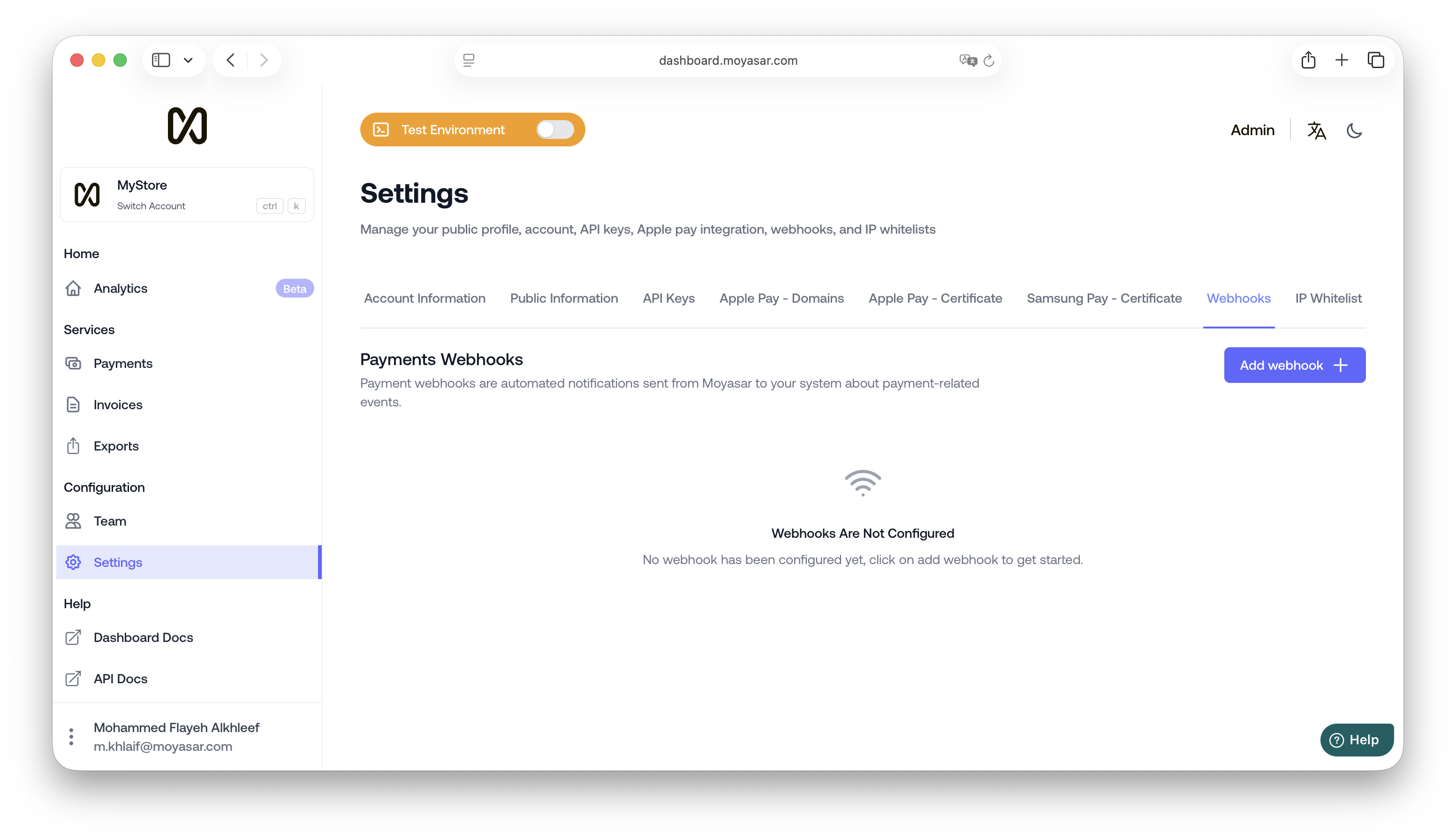
Add Webhook
To get started, click on add webhook
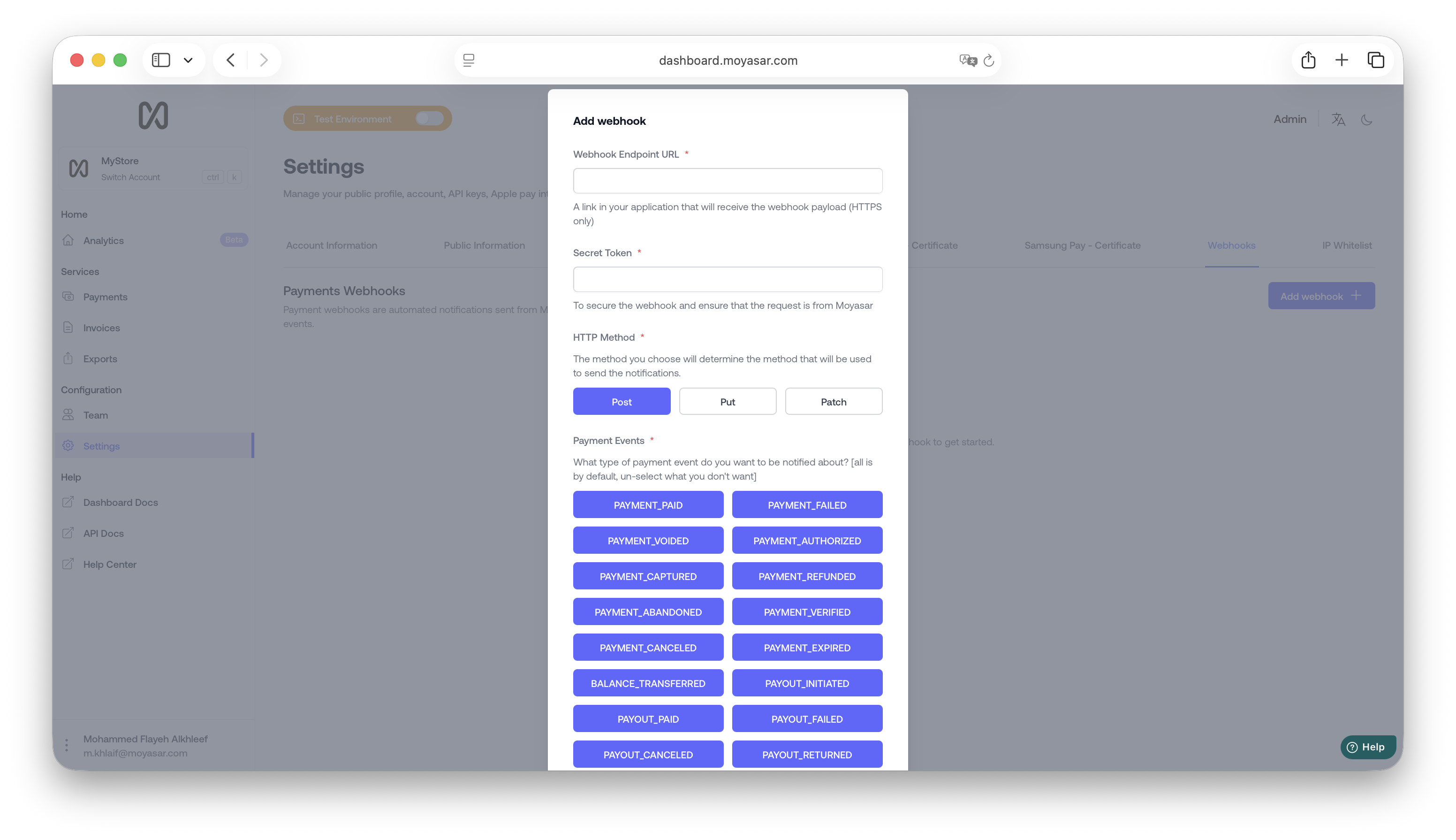
Required Fields
| Term | Description |
|---|---|
| Endpoint | a URL on your server that will receive the notification (must be HTTPS) |
| Secret Token | is a password you need to validate on your server to make sure the notification is coming from moyasar |
| HTTP Method | Our Server will send the notification through this method, make sure it matches the one you're expecting on your server |
| Events | The events that you will be notified about |
Payment Events
| Payment Event | Description |
|---|---|
payment_paid | Get notified when a payment is successfully processed, indicating that the transaction is complete. |
payment_faild | Receive alerts when a payment attempt fails, indicating that the transaction was not successful. |
payment_refunded | Stay updated when a payment is refunded, indicating that the funds have been returned to the customer. |
payment_voided | Be notified when a payment is voided, indicating that the transaction has been canceled or invalidated. |
payment_authorized | Get notified when a payment is authorized, indicating that the funds have been reserved for the transaction. |
payment_captured | Receive alerts when a payment is captured, indicating that the authorized funds have been successfully collected. |
payment_verified | Stay updated when payment is verified, indicating that the payment details have been successfully validated. |
Verify Webhook
A webhook marked Unverified doesn't receive events until you verify it. Moyasar sends a webhook_verification event to its URL with a 6-digit code in data.verification_code. Click Verify Webhook, enter the code, and the webhook starts receiving events. The code expires after 30 minutes. If it expires, or the request didn't reach your server, click Resend code.
Delete Webhook
To delete a webhook, click on the delete button (🗑️)